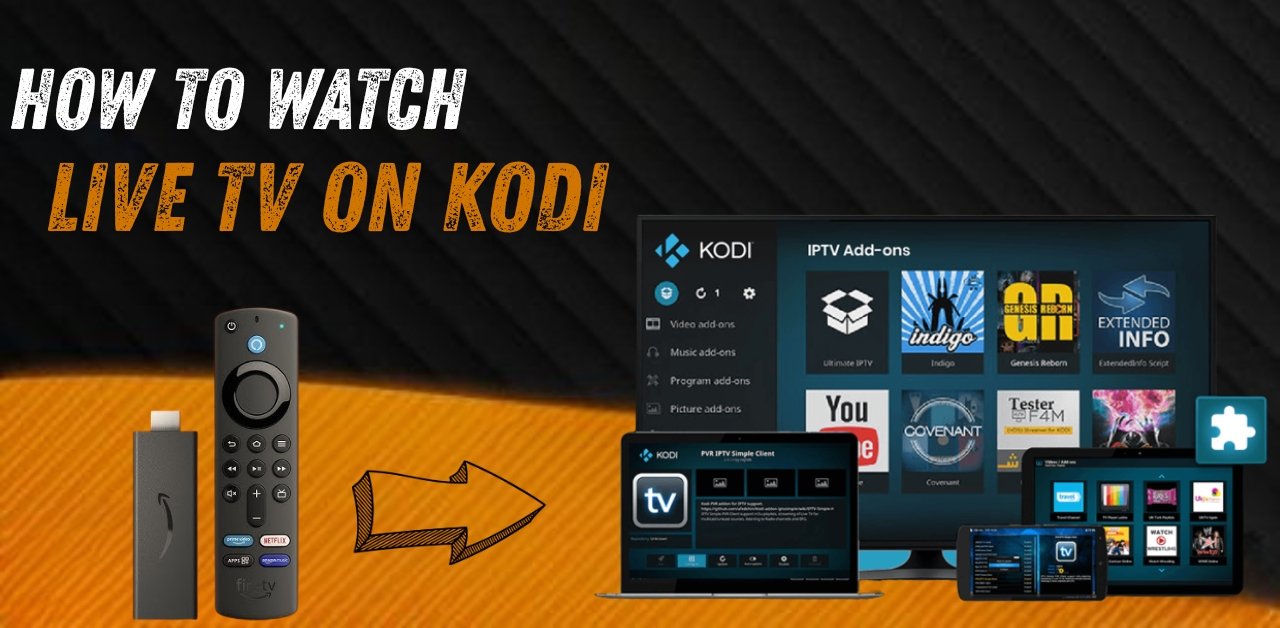
IPTV Kodi Setup 2025 – How to Watch Live TV with Kodi (Full Guide)
IPTV Kodi Setup 2025 is one of the most popular ways to watch live TV, movies, and sports on any device. If you want to stream hundreds of live channels inside Kodi, you’ll only need a working M3U playlist and a few minutes to set it up. This guide shows you exactly how to install Kodi, set up IPTV on it, and start watching your favorite content right away — even on a Fire TV Stick.
Main Takeaways
- IPTV Kodi lets you stream live TV, VOD, and more through the Kodi media player
- Kodi works on Fire TV Stick, Android, Windows, Mac, and other platforms
- To stream IPTV on Kodi, you need the PVR IPTV Simple Client add-on
- You must provide your own M3U playlist from an IPTV provider
- Kodi itself is legal and free — it does not include any content
- Setting up IPTV on Kodi takes less than 10 minutes
What Is IPTV and How Does It Work?
IPTV stands for Internet Protocol Television. It’s a way to watch live TV through the internet instead of cable or satellite. IPTV services send TV channels, movies, and shows straight to your device using a playlist link.
To use IPTV, you need:
- A device (Firestick, Smart TV, phone, laptop, etc.)
- A media player (like Kodi)
- A working M3U playlist from an IPTV provider
Once you add the playlist to the app, your device will start showing live channels and video content.
What Is Kodi and How Does It Work?
Kodi is a free and open-source media player that you can install on almost any device. It allows you to play videos, music, and stream content using add-ons. One of the most popular uses of Kodi is adding IPTV support to watch live TV and on-demand content.
Kodi does not come with content. To watch IPTV on Kodi, you need to install the PVR IPTV Simple Client add-on and provide your own M3U playlist.
Kodi supports:
- Firestick / Fire TV
- Android Phones and Tablets
- Windows and Mac
- Android TV Boxes
- Smart TVs (via Android OS)
How to Install IPTV on Kodi (Step-by-Step)
Follow these steps to install Kodi and set up IPTV:
Install Kodi
You can download Kodi from the official site here:
Choose the version for your device.
If you’re on a Fire TV Stick, follow these extra steps:
How to Install Kodi on Fire TV Stick:
- Open the Downloader app
- Go to Fire TV Settings → My Fire TV → Developer Options
- Turn on Apps from Unknown Sources
- Watch this tutorial
- Open Downloader and enter the code 35625
- Select the Kodi ARMV7A (32-bit) build
- Press Install
- Open Kodi
Watch this full video guide for Kodi 21.2 with the XENON Build.
Install PVR IPTV Simple Client Add-on
- Open Kodi
- Click the Settings icon
- Go to Add-ons
- Select Install from repository
- Choose PVR Clients
- Click PVR IPTV Simple Client
- Hit Install
- Wait for the notification “Add-on installed.”
Add Your M3U Playlist
- Go back to Add-ons
- Find PVR IPTV Simple Client
- Click Configure
- Under the General tab, paste your M3U playlist link (from your IPTV provider)
- Click OK
- Restart Kodi
That’s it! After Kodi restarts, it will load all the live TV channels from your playlist. You can now scroll through the list and start watching.
Tips for a Better IPTV Kodi Experience
- Use a fast and stable internet connection
- Use a VPN if certain channels are blocked in your country
- Ask your IPTV provider for an EPG (TV guide) link to see program info
- Keep Kodi updated to the latest version
- Use lightweight Kodi builds to avoid slow performance
FAQs
Can I use IPTV on Kodi for free?
Yes, Kodi is free. You can use free M3U playlists, but they often stop working or have poor quality. A premium IPTV service is more stable and reliable.
How do I install IPTV Kodi on a Fire TV Stick?
Install Kodi using the Downloader app (code 35625), then install the PVR IPTV Simple Client add-on from Kodi’s repository. Finally, paste your M3U playlist link and restart Kodi.
What is the best add-on for IPTV on Kodi?
The official PVR IPTV Simple Client is the best add-on for using IPTV on Kodi. It’s stable, supported, and works with M3U playlists.
Why are my channels not showing up?
Your M3U link may be incorrect, expired, or inactive. Check the link with your IPTV provider. Also, try restarting Kodi after adding the playlist.
Is IPTV Kodi legal?
Yes, both Kodi and IPTV are legal. Kodi is an official media player, and IPTV is legal when the content comes from licensed sources.
Is IPTV on a Fire TV Stick legal?
Yes, using IPTV on a Fire TV Stick is legal. It only becomes illegal if you stream pirated or unlicensed content.
Is IPTV now legal?
IPTV is legal as a technology. It depends on the source of the content. Legal IPTV services pay for broadcasting rights — illegal ones don’t.
Can I watch live TV through Kodi?
Yes, with the right add-on and a working IPTV playlist, Kodi can stream live TV from thousands of channels around the world.
Conclusion
Using IPTV Kodi is one of the best ways to turn any device into a live TV powerhouse. All you need is Kodi installed, the PVR IPTV Simple Client add-on, and a working M3U playlist. It works on Fire TV Stick, Android, PC, and more. The setup takes just minutes — and once it’s done, you’ll have access to thousands of live channels right inside Kodi.
Leave a Reply