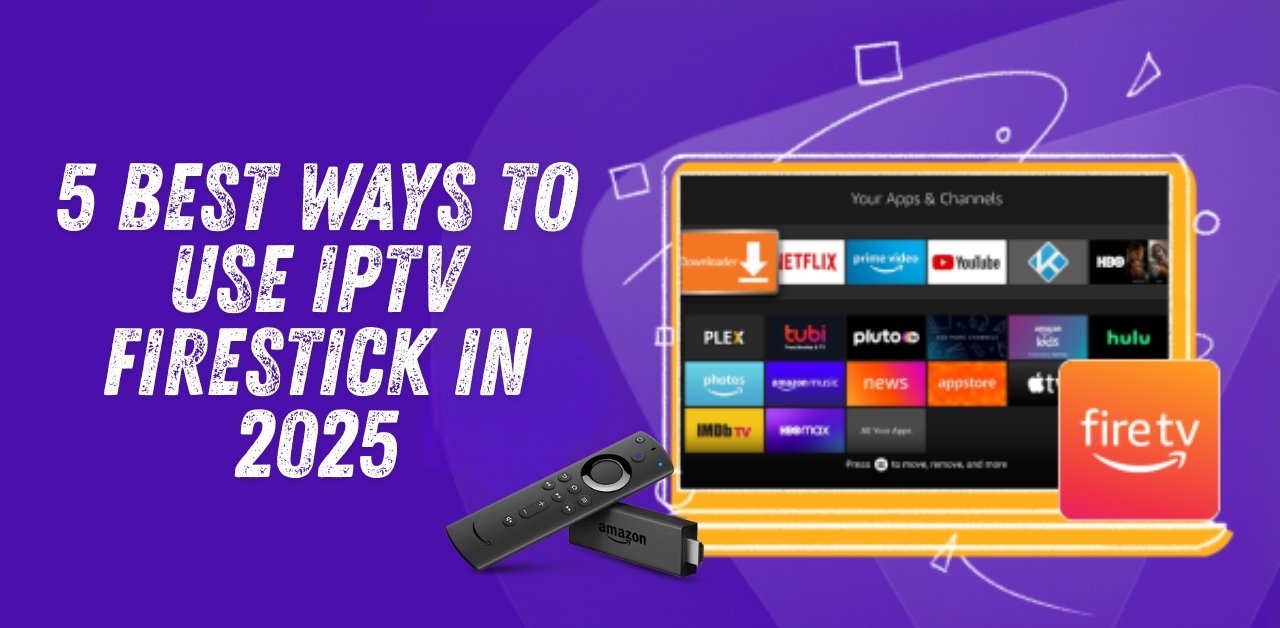
5 Best Ways to Use IPTV Fire TV Stick in 2025 for Uninterrupted Streaming
Introduction
IPTV Fire TV Stick in 2025 is one of the most popular ways to watch live TV, sports, movies, and series without relying on traditional cable. In 2025, millions of users in the UK and worldwide are switching to IPTV for affordable, flexible, and high-quality entertainment. With an Amazon Fire TV Stick, you can install IPTV apps, connect to a reliable IPTV provider like British Stream TV, and enjoy HD or even 4K streaming directly on your TV. This guide explains exactly how to set it up, which apps to use, and how to stream safely without interruptions.
Main Takeaways
- IPTV Fire TV offers access to thousands of live channels and on-demand content.
- Use a reliable provider like British Stream TV for stable, uninterrupted streaming.
- Installation is quick using Downloader Codes for IPTV apps.
- Always use a VPN for privacy, security, and bypassing geo-restrictions.
- Test services first with a free IPTV trial before committing.
What is IPTV and How Does It Work?
IPTV means Internet Protocol Television, where TV is streamed over the internet instead of cable or satellite.
How it works:
- Provider Streams Content – Your IPTV provider delivers live TV channels, sports, and movies via the internet.
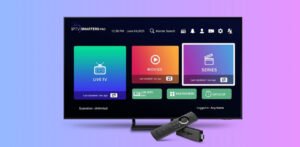
- App on Fire TV Stick – You use an IPTV app like IPTV Smarters Pro to view it.
- Internet Connection – A stable broadband connection is needed for smooth playback.
- Optional VPN – Using a VPN like Surfshark adds privacy, removes location blocks, and prevents ISP throttling.
Why Use IPTV on Fire TV Stick in 2025?
Easy Setup for Beginners
You can set up the IPTV Fire TV Stick in minutes using guides like this step-by-step tutorial.
Downloader Codes for Popular IPTV Apps
- IPTV Smarters Pro: 1741047
- Hot Player: 3214597
- IBO Player APP: 4226429
- B1G APP: 6463225
These codes are entered in the Downloader app to quickly install the IPTV app you want.
Massive Channel Selection
Providers like British Stream TV offer 30K+ channels, including sports, PPV, international news, entertainment, and kids’ shows.
Affordable Pricing
Instead of paying £70+ for cable, IPTV subscriptions cost a fraction of that. You can also start with a free trial to test before you pay.
Multiple App Options
- IPTV Smarters Pro – User-friendly interface, supports multiple logins.
- Hot Player – Simple setup, great for playlists.
- IBO Player APP – Premium app with advanced player settings.
- B1G APP – Best for organising and customising IPTV channels.
Portable Entertainment
Firestick is small enough to take anywhere. Just plug it into any HDMI TV, connect to Wi-Fi, and start streaming.
How to Install IPTV Apps on Fire TV Stick
- Enable Developer Options – Watch this guide.
- Install the Downloader App – Follow this 2025 tutorial.
- Allow Unknown Sources – See the step-by-step setup.
- Enter the Downloader Code for your chosen IPTV app.
- Open the IPTV App and log in with your British Stream TV details.
Safety and Privacy for IPTV Firestick Users
Using IPTV without a VPN leaves your IP address visible to your internet provider and other third parties, which can affect your privacy and even your streaming quality. For the best results, we recommend Surfshark as it is proven to work exceptionally well with IPTV, offering fast speeds, unlimited connections, and strong encryption.
With Surfshark, you can:
- Hide your online activity to keep your viewing private
- Prevent ISP throttling during high-demand events like live sports
- Unlock IPTV content from other countries with ease
Follow this VPN setup guide for Fire TV Stick to get Surfshark running in minutes and enjoy uninterrupted streaming.
FAQs
Can I get IPTV on an Amazon Fire TV Stick?
Yes, you can easily install IPTV apps using Downloader Codes and connect them to your IPTV subscription.
Which IPTV is best for Fire TV Stick?
British Stream TV is the top choice in 2025 for quality, channel variety, and reliability.
Is it legal to use IPTV on a Fire TV Stick?
The apps are legal. However, watching copyrighted content without permission may not be.
Can I watch IPTV for free on a Fire TV Stick?
Yes, you can try a free IPTV trial to test before paying.
Do I need a VPN for IPTV on Fire TV Stick?
Yes, it’s highly recommended for privacy, security, and unrestricted access.
How much internet speed is needed for the IPTV Fire TV Stick?
At least 10 Mbps for HD and 25 Mbps for 4K.
Conclusion
Using IPTV Firestick in 2025 is the easiest way to get affordable, uninterrupted entertainment. Choose a trusted provider like British Stream TV, install one of the top IPTV apps, and enjoy streaming anywhere. Always use a VPN for protection and test with a free trial before committing.
Leave a Reply